
What Is Billing Software? Complete Guide for Small Businesses
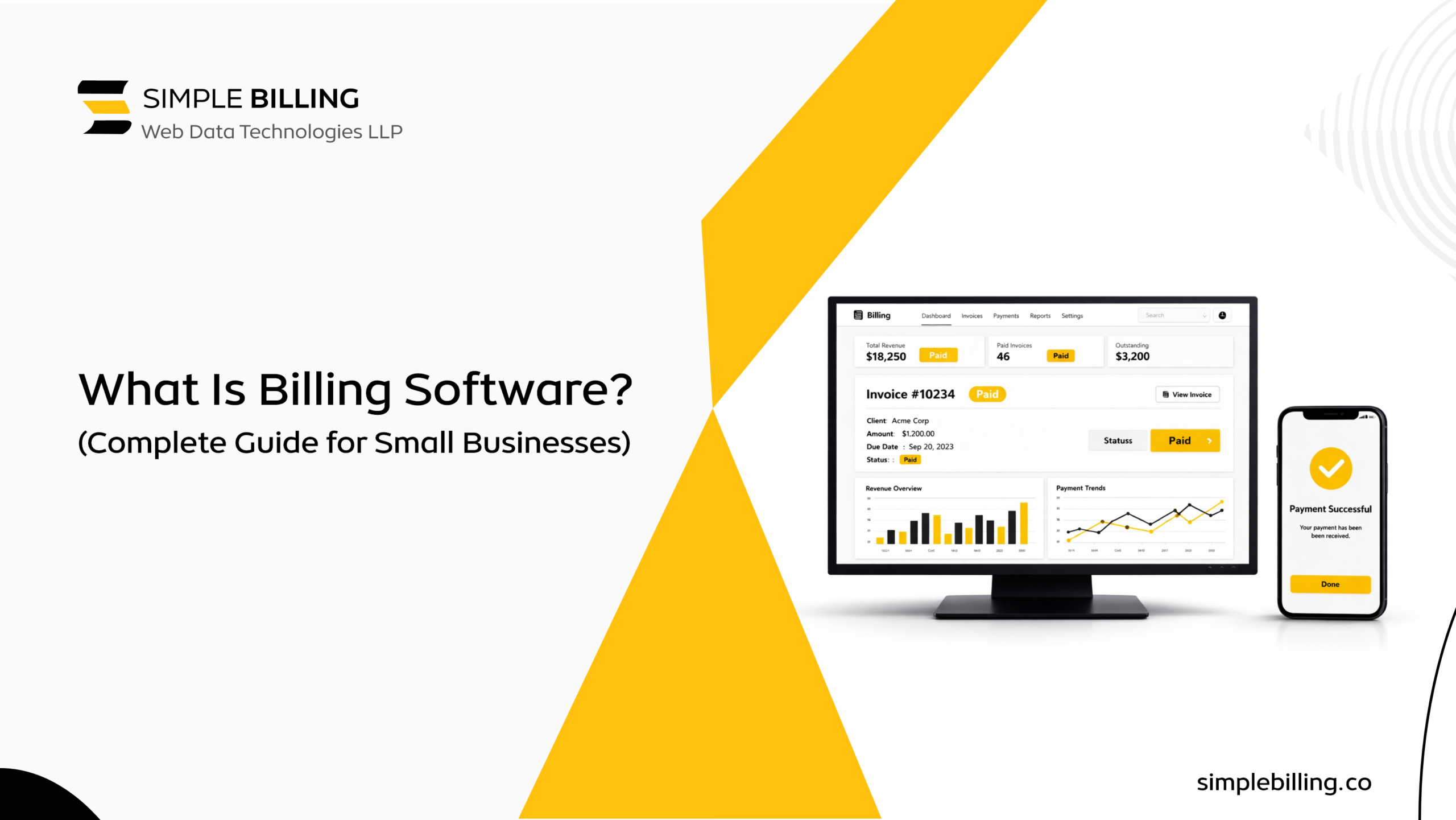
Billing software is a digital tool that helps businesses create invoices, track payments, manage customers, and automate financial processes. For small businesses, it simplifies billing operations, reduces manual errors, and improves cash flow by ensuring timely invoicing and faster collections. Advanced billing management software also includes features like tax calculation, reporting, and real-time financial insights.
Introduction
Managing finances is one of the most critical yet time-consuming tasks for small businesses. From creating invoices to tracking payments and maintaining records, manual processes often lead to delays, errors, and cash flow issues.
This is where tools like SimpleBilling come in—offering an all-in-one solution to automate billing and streamline operations.
What Is Billing Software?
Billing software is a technology solution that automates invoicing and payment management.
Core functions include:
- Invoice generation
- Payment tracking
- Customer data management
- Tax calculation
- Financial reporting
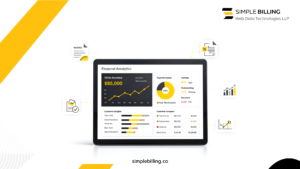
Billing software automates financial processes such as invoicing, payment tracking, and reporting, helping businesses save time and reduce errors.
What Is Billing Management Software?
Billing management software goes beyond basic invoicing by handling the entire billing lifecycle.
It includes:
- Invoice creation and delivery
- Payment tracking and reconciliation
- Subscription and recurring billing
- Financial analytics
Billing management software is a comprehensive tool that manages invoicing, payments, and financial reporting in one system.
What Is Invoice Management Software?
Invoice management software focuses on creating, sending, and tracking invoices efficiently.
Features include:
- Custom invoice templates
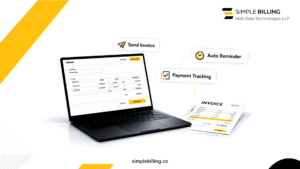
- Automated reminders
- Payment status tracking
- Invoice history
Invoice management software helps businesses create professional invoices, track payments, and automate reminders to ensure faster collections.
Why Small Businesses Need Billing Software
Manual billing processes often create inefficiencies that slow down growth.
Key challenges solved:
- Late payments
- Human errors
- Disorganized records
- Time-consuming processes
Benefits:
- Faster invoicing
- Improved cash flow
- Better financial visibility
- Reduced administrative work
Key Features of Billing Software for Small Business
Must-have features:
- ✅ Invoice creation and customization
- ✅ Payment tracking
- ✅ Tax/GST automation
- ✅ Customer database
- ✅ Reports and analytics
- ✅ Recurring billing
How Billing Software Works (Step-by-Step)
1. Add Customer Information
Store customer details securely.
2. Create Invoice
Generate invoices with pricing, taxes, and details.
3. Send Invoice
Share invoices instantly via email or link.
4. Track Payments
Monitor payment status in real-time.
5. Automate Reminders
Send alerts for overdue invoices.
Billing Software vs Manual Billing
Feature | Billing Software | Manual Billing |
Speed | Instant | Slow |
Accuracy | High | Error-prone |
Payment Tracking | Automated | Manual |
Reporting | Real-time | Limited |
Scalability | High | Difficult |
Types of Billing Software
1. Basic Billing Software
- Simple invoicing
- Payment tracking
2. Billing Management Software
- Full financial control
- Automation and analytics
3. Invoice Software for Small Business
- Easy invoice creation
- Designed for small teams
How to Choose the Best Billing Software for Small Business
Step-by-step guide:
- Identify your business needs
- Check automation features
- Ensure tax compliance
- Evaluate ease of use
- Compare pricing
How Billing Software Improves Cash Flow
Key ways:
- Faster invoice generation
- Real-time tracking
- Automated reminders
- Better financial insights
Common Mistakes to Avoid
- Choosing overly complex software
- Ignoring scalability
- Not using automation features
- Failing to track payments regularly
Future Trends in Billing Software
- AI-powered automation
- Cloud-based systems
- Real-time analytics
- Mobile-friendly platforms
How SimpleBilling Helps Small Businesses
SimpleBilling provides:
- Easy invoice creation
- Real-time payment tracking
- Automated billing workflows
- User-friendly interface
- Scalable features for growth
Conclusion
Billing software is no longer optional—it’s essential for small businesses aiming to grow efficiently. By automating invoicing and payment processes, businesses can save time, reduce errors, and improve cash flow.
Using solutions like SimpleBilling ensures streamlined billing operations and better financial control.
FAQs
1. What is billing software?
Billing software is a tool that automates invoicing, payment tracking, and financial management, helping businesses streamline billing processes and improve efficiency.
2. What is billing management software?
Billing management software handles the entire billing lifecycle, including invoice creation, payment tracking, and reporting, using automation.
3. What is invoice software for small business?
Invoice software helps small businesses create, send, and track invoices efficiently, ensuring faster payments and better organization.
4. Why do small businesses need billing software?
They use billing software to save time, reduce errors, improve cash flow, and maintain organized financial records.
5. How much does billing software cost?
Billing software typically ranges from free plans to $150+ per month depending on features and business size.
6. What features should billing software have?
Essential features include invoice creation, payment tracking, tax calculation, reporting, and automation tools.
7. How does billing software improve cash flow?
It speeds up invoicing, tracks payments in real-time, and sends automated reminders to ensure timely collections.
8. Is billing software suitable for startups?
Yes, billing software is ideal for startups as it simplifies financial management and supports scalability.